


Best aperture for landscape photography lenses
09/24/2025
High-End Pinhole Lens for Professional Use
09/24/2025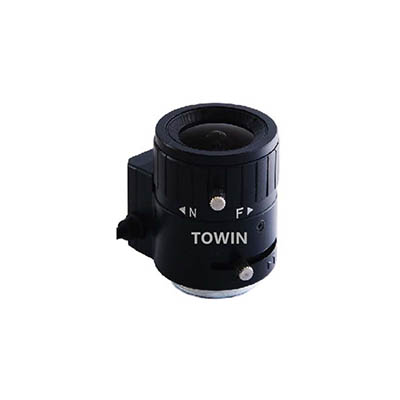
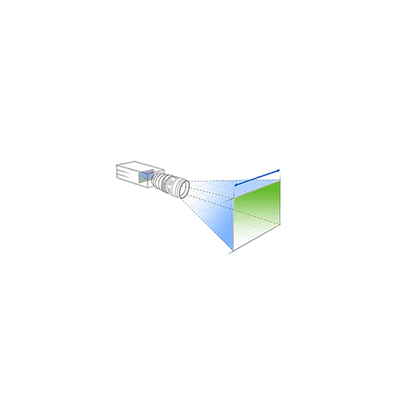
When designing a CCTV system, Mastering field of view calculations for CCTV lenses ensures optimal coverage, eliminates blind spots, and boosts security efficiency effectively. Whether you’re securing a retail store, warehouse, or residential property, miscalculating the field of view (FOV) can lead to gaps in surveillance or wasted resources on unnecessary equipment. This guide breaks down the process into 5 essential steps, empowering you to achieve precise results every time.
How to Calculate Field of View for CCTV Lenses: The Core Formula
The foundation of FOV calculation lies in three variables:
- 1. Focal Length (f): Measured in millimeters (mm), this determines how “zoomed in” the lens is. Shorter focal lengths (e.g., 2.8mm) offer wider angles, while longer ones (e.g., 12mm) narrow the view.
- 2. Sensor Size (A): The width of the camera’s image sensor, typically listed in millimeters (e.g., 1/3”, 1/2.7”).
- 3. Distance to Subject (D): The distance from the camera to the area you want to monitor, measured in meters or feet.

C-mount IR corrected CCTV lens
The formula for horizontal field of view (HFOV) is:
HFOV=2×arctan(A/2f)×D
For simplicity, many use an approximation:
HFOV (approx.)=(A×D/f)×constant (varies by unit)
However, for accuracy, we recommend using an online FOV calculator like this tool from Omni Calculator, which automates trigonometric functions.
Step-by-Step Breakdown
1. Identify Sensor Size:
Check your camera’s specifications. For example, a 1/3” sensor has a width of 4.8mm.
2. Measure Focal Length:
Lenses are labeled with focal lengths (e.g., 3.6mm, 6mm). Varifocal lenses allow adjustments (e.g., 2.8–12mm).
3. Determine Distance:
Use a laser distance meter or tape measure to find the distance from the camera mount to the farthest object in the scene.
4. Plug Values into the Formula:
For a 3.6mm lens, 1/3” sensor, and 10m distance:
HFOV=2×arctan(4.8/2×3.6)×10≈13.3 meters
5. Verify with Software:
Tools like IP Video System Design Tool simulate FOV in 3D, accounting for obstacles and terrain.

M12 CCTV lens 3-Megapixel IR corrected
Common Pitfalls to Avoid
- Ignoring Sensor Format: Using a 1/2.7” sensor instead of 1/3” will skew results.
- Unit Confusion: Mixing millimeters and meters in calculations causes errors.
- Overlooking Lens Distortion: Ultra-wide lenses (e.g., fisheye) may require separate correction formulas.
Real-World Application
Imagine monitoring a parking lot 20 meters wide. Using a 2.8mm lens on a 1/3” sensor:
HFOV≈2×arctan(4.8/5.6)×20≈16.8 meters
This falls short, so switching to a 2.1mm lens extends coverage to 22.4 meters, ensuring full coverage.
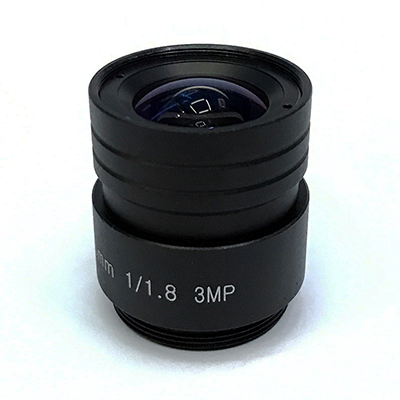
CCTV lens 5.5mm low light F1.2 IR correct CS mount lens
Final Thoughts
Calculating FOV isn’t just about numbers—it’s about eliminating guesswork in security design. By mastering these steps, you’ll save time, reduce costs, and ensure no corner goes unseen. For advanced projects, consult a professional installer or use Axis Communications’ FOV guide for lens-specific recommendations.