


Fixed focus lenses with anti-reflective coating
10/22/2025
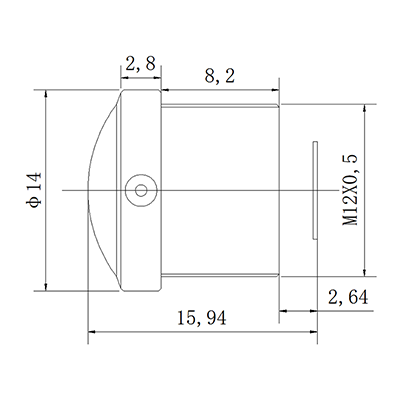
Low distortion wide angle 3mm 62° M12 lens
10/22/2025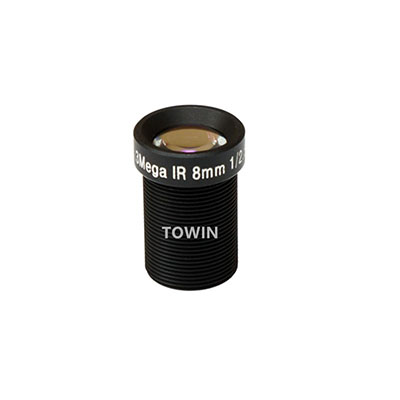
In the world of compact imaging systems, the M12 Lens stands out for its versatility and affordability. However, like all lenses, it’s prone to distortion—a common issue where straight lines appear curved, ruining the aesthetics of photos or videos. Whether you’re a hobbyist, a professional photographer, or an engineer designing surveillance systems, mastering M12 Lens Distortion Correction is essential for achieving flawless results.
What Causes Distortion in M12 Lenses?
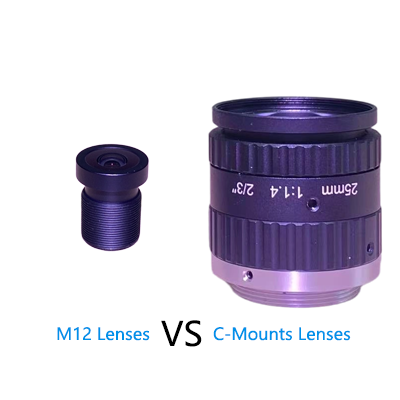
The M12 Lens, also known as an S-mount lens, is widely used in CCTV cameras, drones, and embedded vision systems due to its small size and cost-effectiveness. However, its compact design often leads to optical distortions, primarily:
- Barrel Distortion: Lines curve outward, creating a “bulging” effect, common in wide-angle M12 lenses.
- Pincushion Distortion: Lines curve inward, resembling a squeezed pillow, often seen in telephoto lenses.
- Mustache Distortion: A complex mix of barrel and pincushion effects, appearing as wavy lines.
These distortions arise from the lens’s curvature and focal length. While minor distortion might be acceptable in casual photography, it’s unacceptable in applications like facial recognition, 3D mapping, or architectural photography.

M12 CCTV lens 3-Megapixel IR corrected
M12 Lens Distortion Correction Techniques
Correcting distortion in an M12 Lens requires a blend of hardware adjustments and software tools. Here are five proven methods:
1. Use Lens Calibration Software
Modern image processing software like Adobe Photoshop, Lightroom, or specialized tools like PTGui and Hugin offer automatic distortion correction. These programs analyze the image and apply mathematical models to reverse warping. For M12 Lens Distortion Correction, ensure your software supports custom lens profiles, as generic settings may not suffice.
2. Apply Geometric Correction Algorithms
For developers, implementing geometric correction in code (e.g., using OpenCV) allows real-time distortion removal. The process involves:
- Detecting distortion parameters (e.g., radial distortion coefficients).
- Applying inverse transformations to “straighten” lines.
- This method is ideal for embedded systems or applications requiring automation.
3. Upgrade to Aspherical M12 Lenses
Some M12 Lenses use aspherical elements to minimize distortion by design. While pricier, these lenses reduce the need for post-processing.
4. Optimize Camera Placement
Distortion worsens when the lens is tilted or too close to the subject. Adjust the camera angle to minimize perspective distortion and maintain a consistent focal distance. This won’t eliminate optical distortion but reduces its visual impact.
5. Manual Editing for Precision
For critical projects, manual editing in tools like GIMP or Affinity Photo provides granular control. Use the “Warp” or “Liquify” tools to adjust specific areas, though this is time-consuming and better suited for small batches.

M12 S-Mount wide-angle lens
FAQs
1. What is the main cause of M12 lens distortion?
The primary cause is the lens’s curvature and focal length, which bend light inconsistently across the image plane.
2. Can software completely fix M12 lens distortion?
While software can significantly reduce distortion, perfect correction depends on the lens’s quality and the severity of the issue.
3. Are aspherical M12 lenses worth the extra cost?
Yes, if your application demands minimal distortion (e.g., medical imaging or machine vision). They reduce post-processing time and improve accuracy.
4. How do I test my M12 lens for distortion?
Photograph a grid or checkerboard pattern and analyze straight lines. Software like Imatest can quantify distortion levels.
5. Does distortion affect video as much as photos?
Yes, but real-time correction in video requires powerful hardware. Pre-recorded footage can be processed offline like photos.
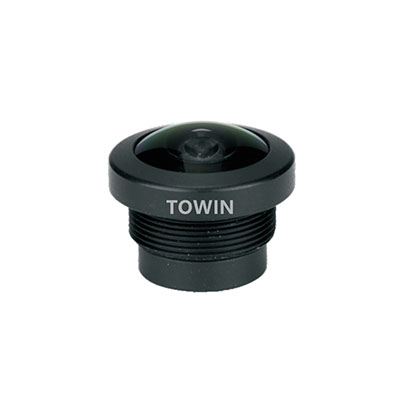
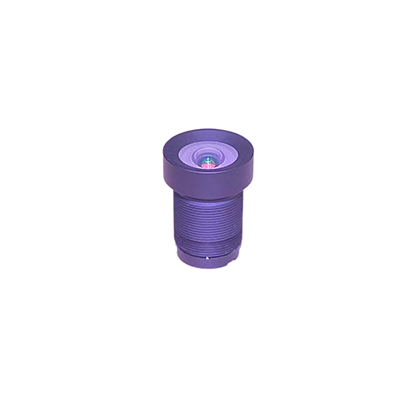
4-Megapixel F2.4 M12 mount fisheye lens
Conclusion
M12 Lens Distortion Correction is a blend of art and science. By combining the right hardware, software, and techniques, you can eliminate warping and elevate your visuals. Whether you’re capturing landscapes, securing premises, or developing AI models, understanding distortion and its fixes is key to professional success.